made in seconds, in your browser,
Free OG image generator.
Design Open Graph and Twitter/X link previews in your browser. Free editor. Free account to export.
No card required. Your work saves automatically.
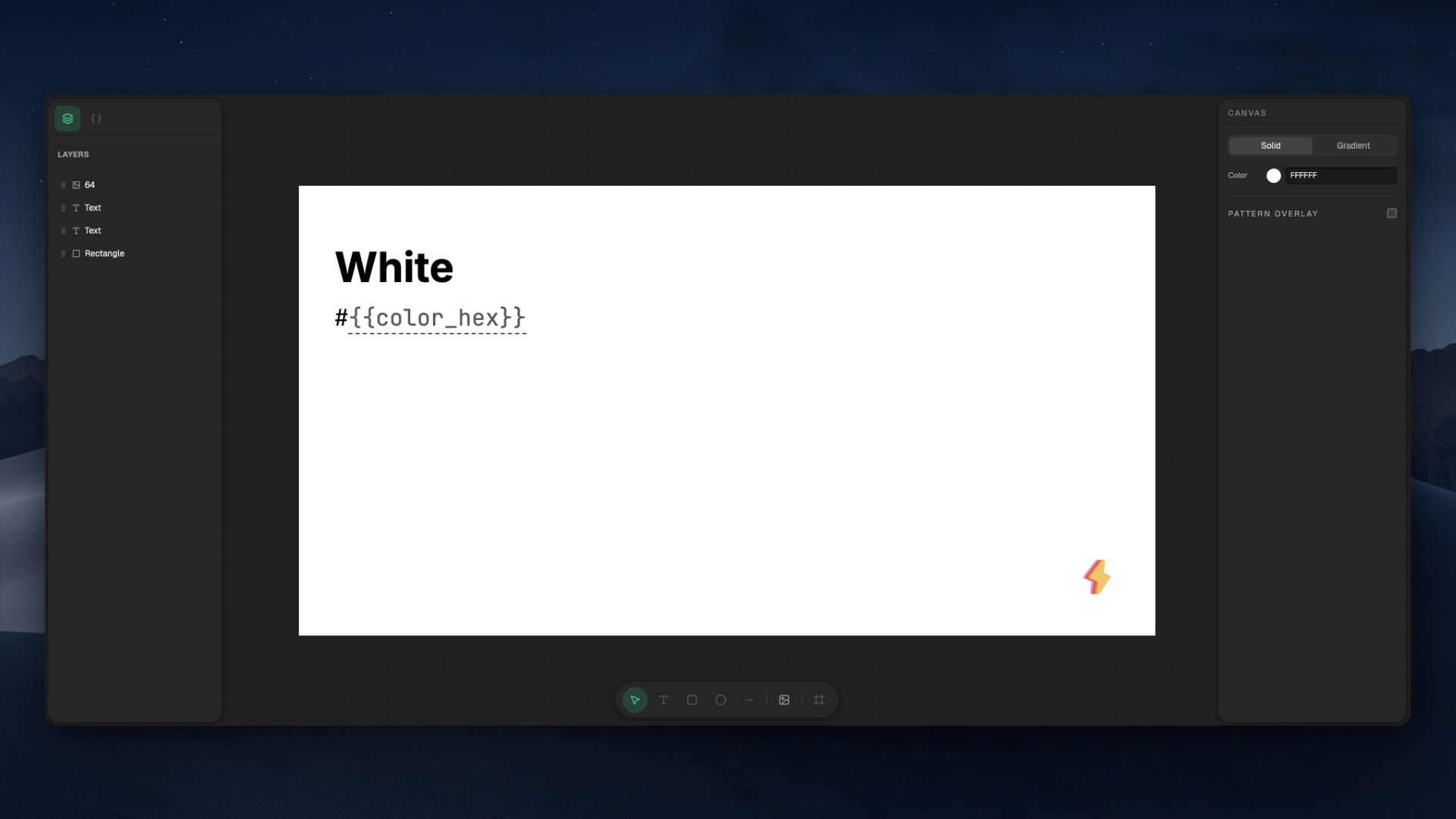
The whole editor. Free, in your browser.
Inside the editor
A real editor. Not a fill-in-the-blank.
Drag, drop, resize, layer. Build the image you want, not the one a template wizard lets you make.
Layered canvas, drag and drop
Effects that stop the scroll
Patterns with radial fade. Multi-stop gradients. Drop shadows. Backdrop blur for glassmorphism.
The toolkit that turns a flat box into something worth clicking.
25 web fonts, free
Real platform safe zones
One-click PNG export, 1200 × 630
Variables
One template, every page.
Drop {{title}} into your design and the editor swaps it for whatever you want. Wire it to your site (paid) and every URL gets its own preview, automatically.
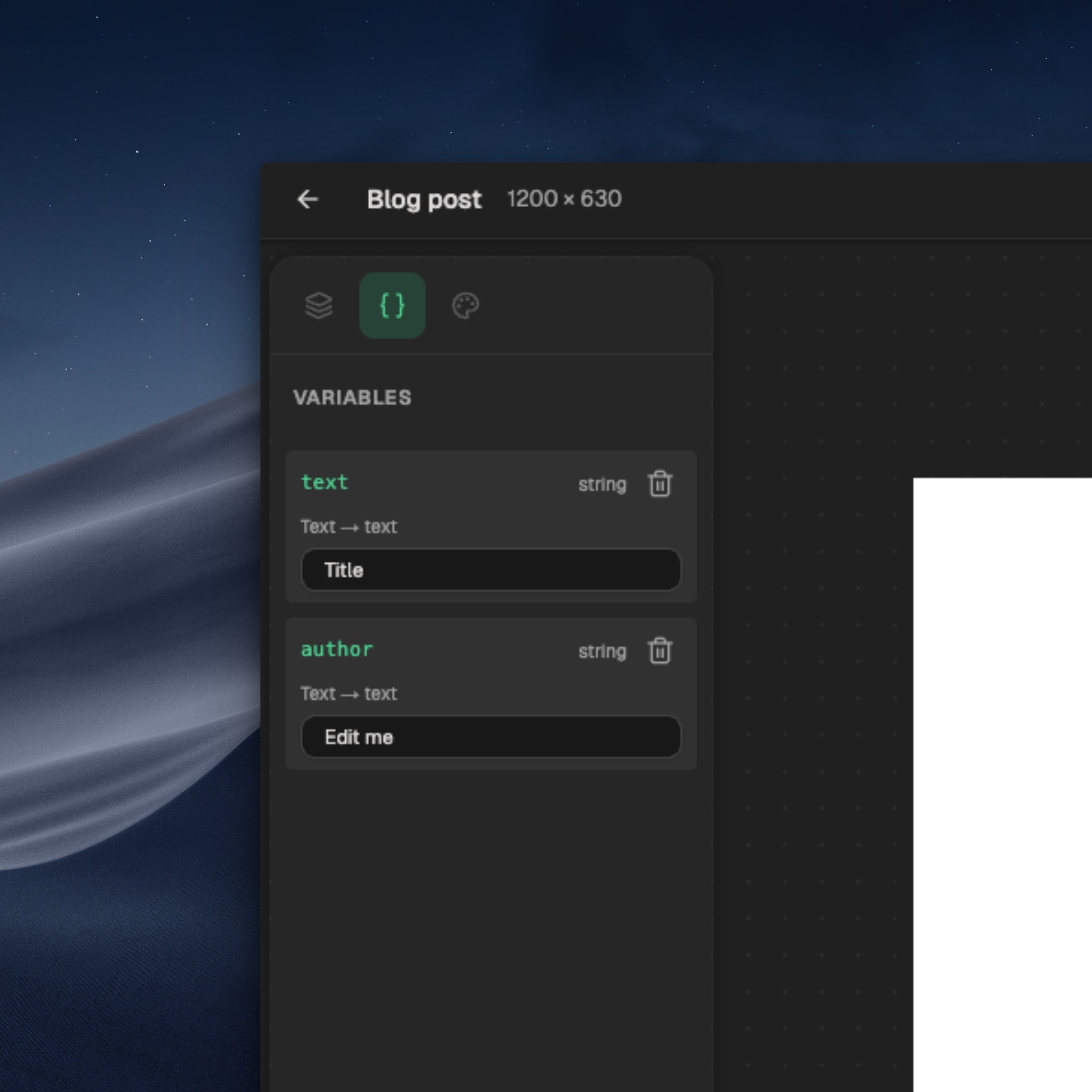
Drop in placeholders
Type
{{title}},{{author}},{{color}}anywhere in your design. Bind them to text, colors, images.Preview with sample values
Set defaults so the canvas always looks real while you design. Test different inputs in the editor before you ever connect a site.
Wire it to your site (when you're ready)
On the paid plan, paste one snippet into your
<head>and every URL on your domain renders its own preview. Free here, dynamic on the home page.
The right size, always
1200 × 630, the way the web wants it.
Open Graph and Twitter/X use the same dimensions and the same og:image tag. One export, every platform.
Common questions
Free OG image generator FAQ
Open the editor. Start designing.
Free editor. Free account to export. No card required.